

Focus the composition
- Without the team
- A working render may show the design without directing attention to its strongest details.
- With the team
- Explore a composition that highlights the features you want to discuss.
Explore an editorial treatment for a near-final interior visual with this AI workflow, so you can present the design with a clear visual focus.
Explore the editorial photography workflowExplore the sample preview
The short answer, before the workflow detail.
Editorial Photography explores a presentation treatment for a near-final design visual, so you can review composition and visual emphasis before showing a client. The result is a design visual, not a photograph of a built project or a promise of publication-ready quality.
This illustrated AI workflow explores presentation treatment for an interior visual you have already developed. The images illustrate the approach; they are not documented Studio results.
Step 01
Start with the concept the client has chosen, or all but signed off. Add optional shot direction — angle, composition, the moment to feature — or let the team read what the room wants to show.
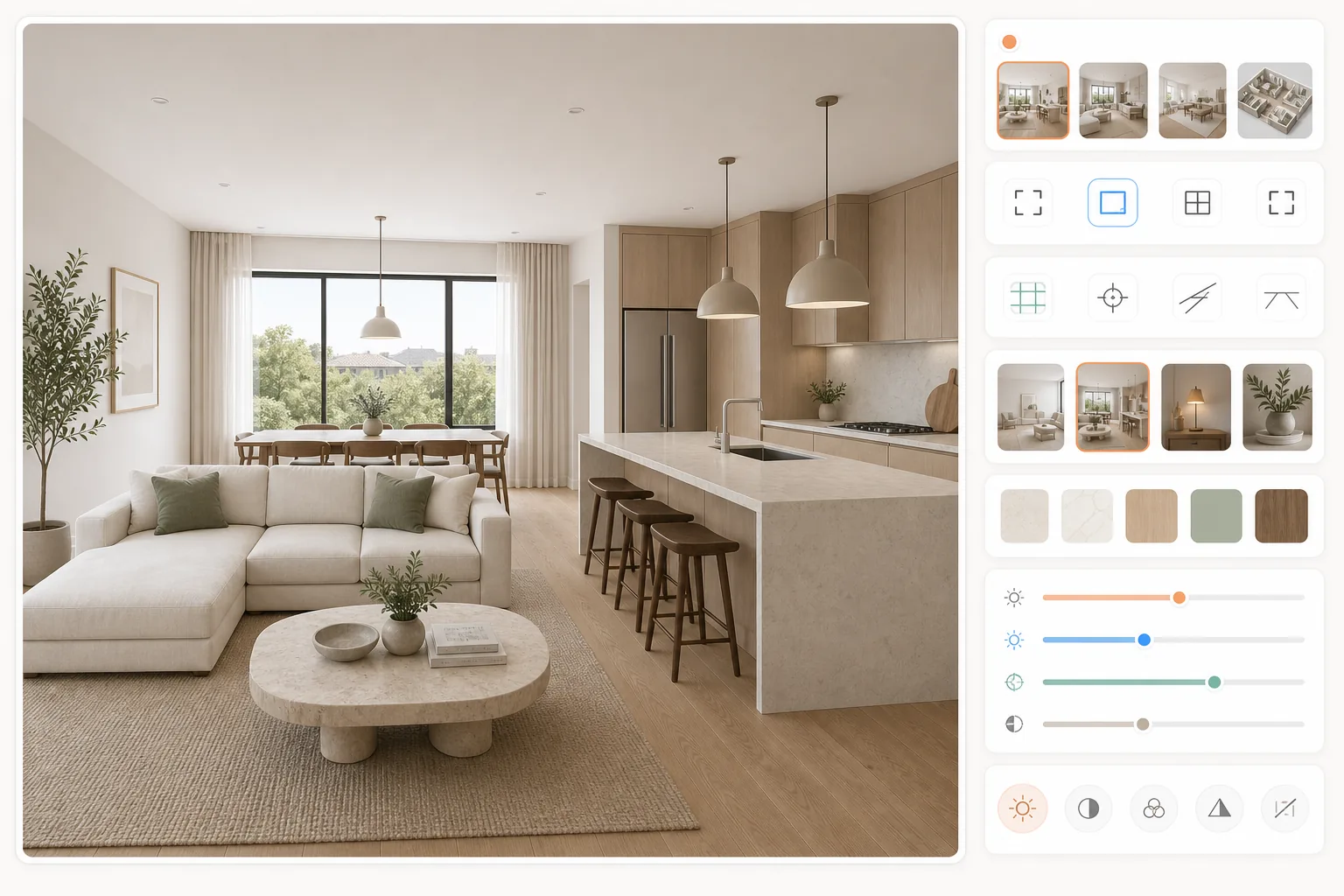
Step 02
Brief the composition, lighting and design details you want to feature.
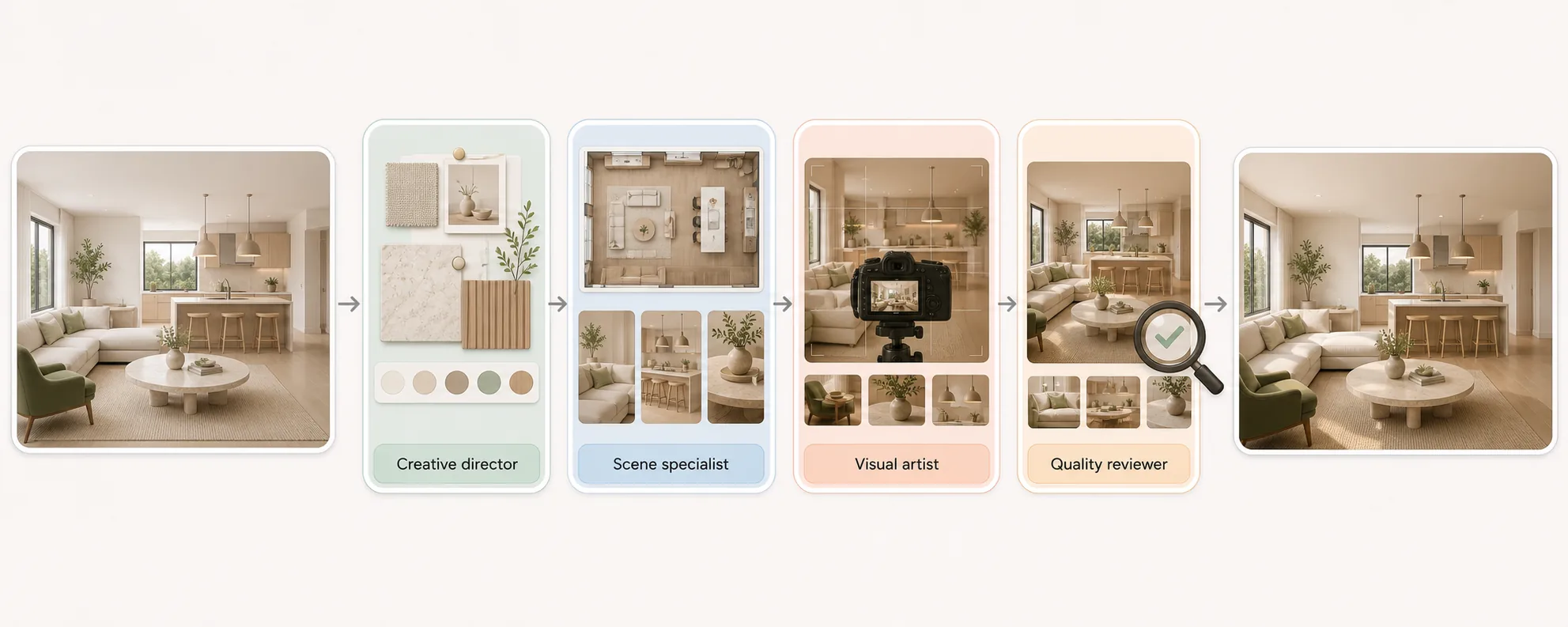
Step 03
Compare the presentation visual with the source for altered, added or missing elements. Good enough to show a client, decide a direction, and choose between options; not accurate enough to approve a finish, match a colour, or build from.
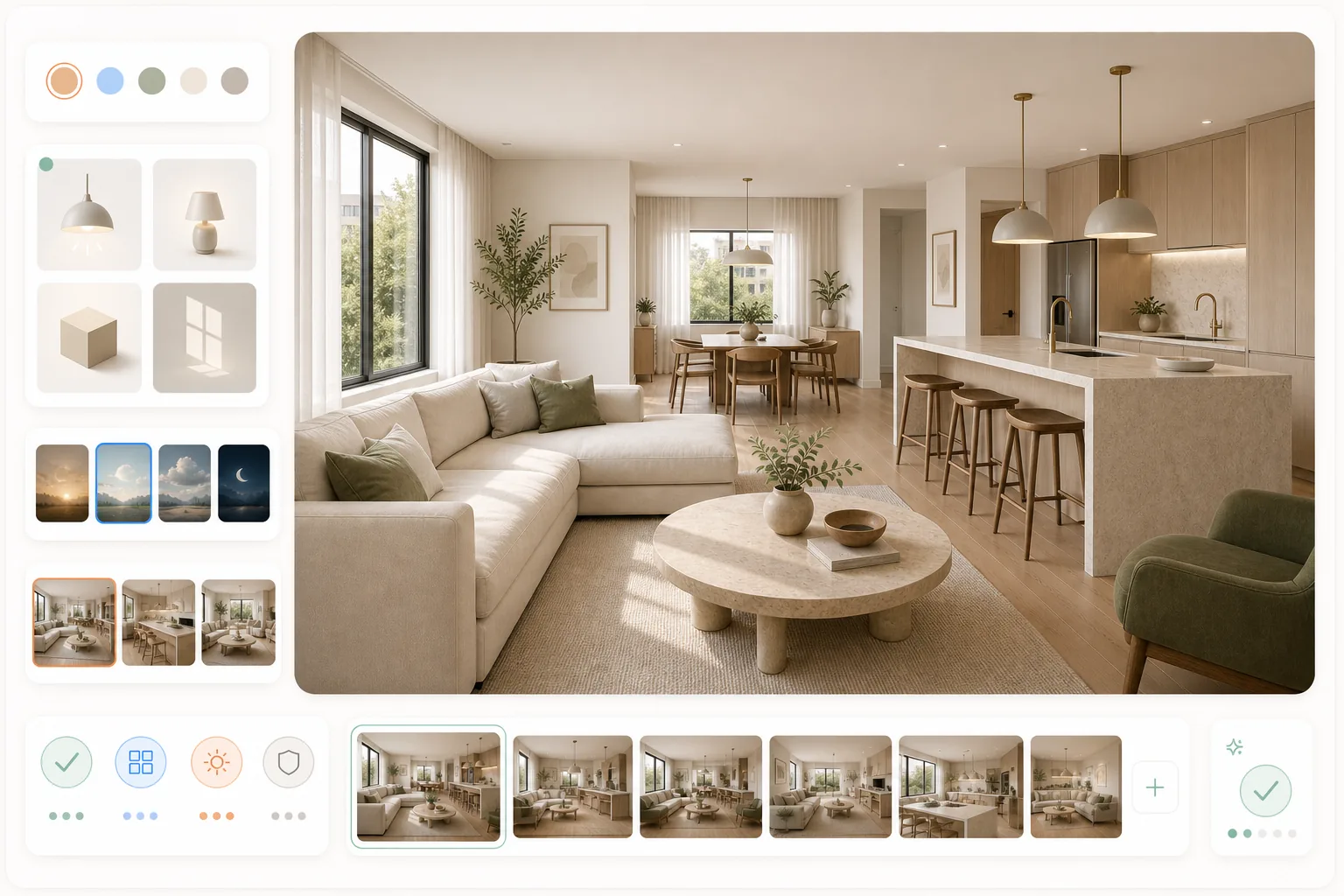
Present the design with a clear visual focus.
Select an image to explore the interface.
This preview displays a fixed sample. It does not process your image or run an agent.
This reference illustrates the task. Selecting your own image changes the preview input, not the sample result.
Ready when you are.
The questions that decide whether this fits the way you already work.
The concept your client has chosen, or all but signed off. Add optional shot direction — the angle, the composition, the moment you want featured — or let the team read what the room is trying to show. Supported inputs need confirmation before a demo.
No. It is a design visual with a photographic treatment, and it does not document a built project. Check that objects, materials and geometry still match the approved design before the image goes to a client.
A filter adjusts an existing image globally. This is a workflow with four specialist roles that reads the design intent, sets a composition and emphasis, and then hands the result back for your check. The illustrations explain the intended workflow, not verified staffing.
Reviewed by Son Dang, Founder. Published . Updated .
Have a near-final visual you want to present to a client? Request an Editorial Photography demo to explore composition, lighting and styling for your design.
Demo enquiries open your email app.