

Discuss a different mood
- Without the team
- One scene may not explain the atmosphere the client has in mind.
- With the team
- Explore a lighting treatment to make that atmosphere easier to discuss.
Explore a different lighting mood in an existing interior visual with this AI workflow, so you can discuss the atmosphere with your client.
Explore the lighting and mood workflowExplore the sample preview
The short answer, before the workflow detail.
Lighting and Mood explores a lighting atmosphere in a room scene you already have, using a written direction or a reference. It does not simulate measured lighting performance or verify fixtures, illumination levels or electrical design.
This illustrated AI workflow explores a lighting mood in the scene you are developing. The images illustrate the approach; they are not documented Studio results.
Step 01
Start with a visual or room you've already set, plus the atmosphere you want to show — soft daylight, warm evening, cool and calm, low and dramatic.
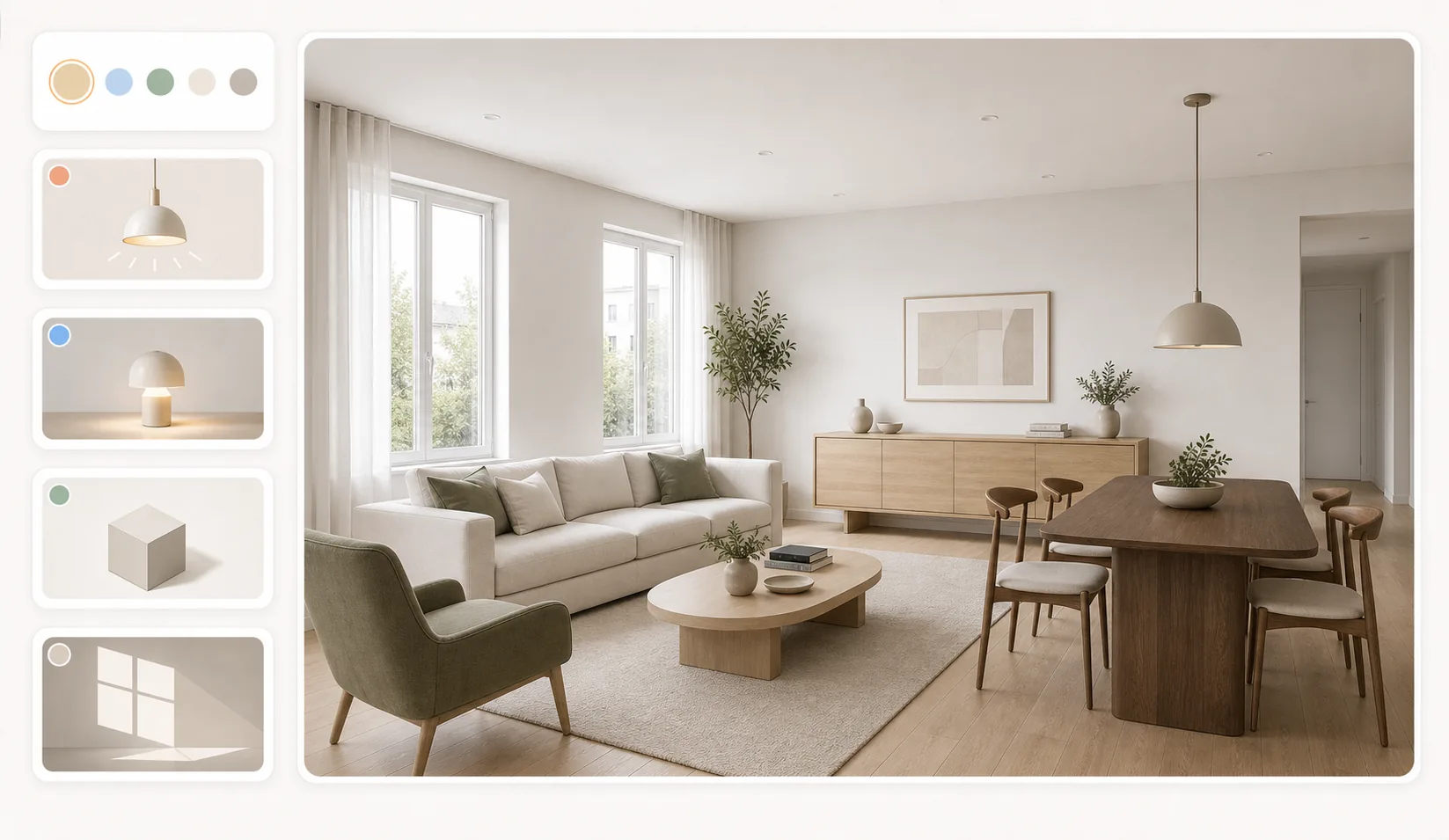
Step 02
Describe the atmosphere you want to explore, such as soft daylight or a warm evening.
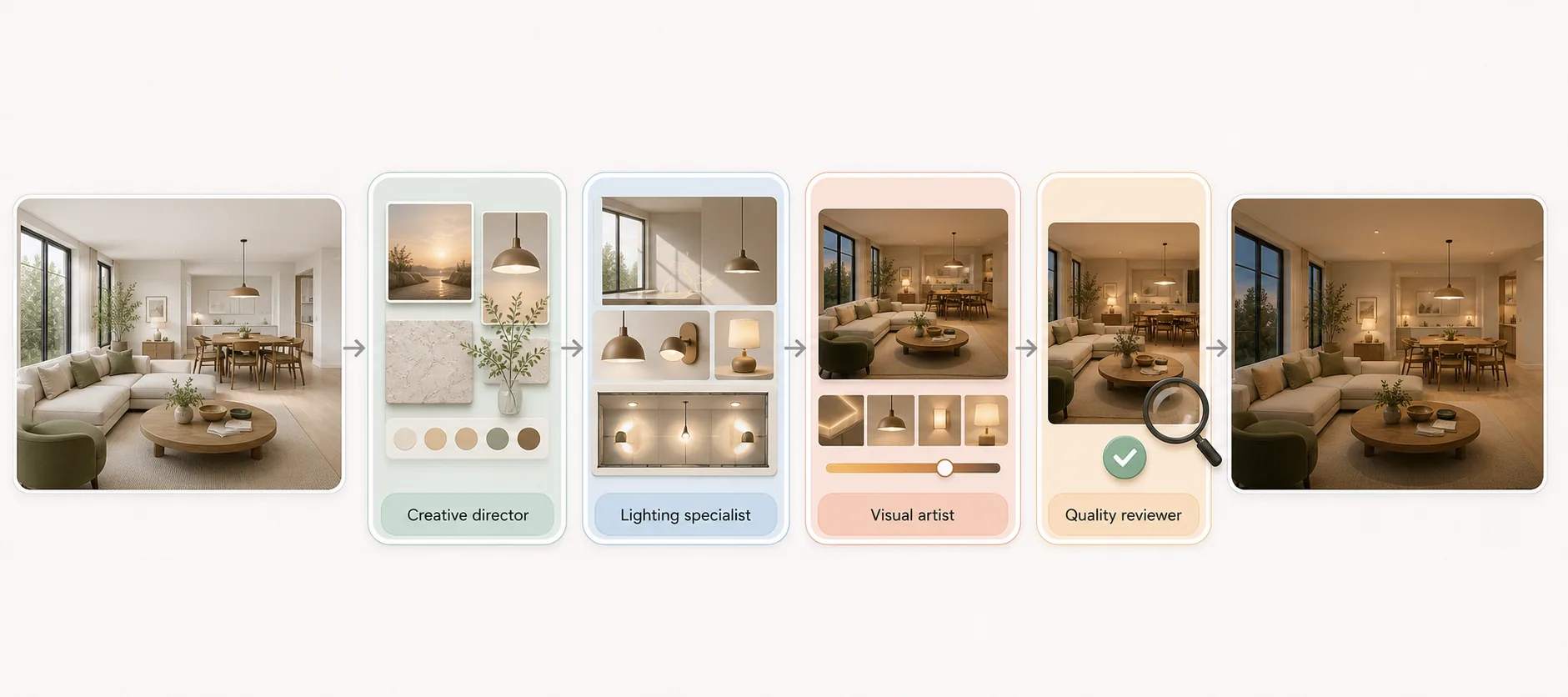
Step 03
Compare the lighting option with the original scene. Review materials, shadows and unintended changes. Good enough to show a client, decide a direction, and choose between options; not accurate enough to approve a finish, match a colour, or build from.
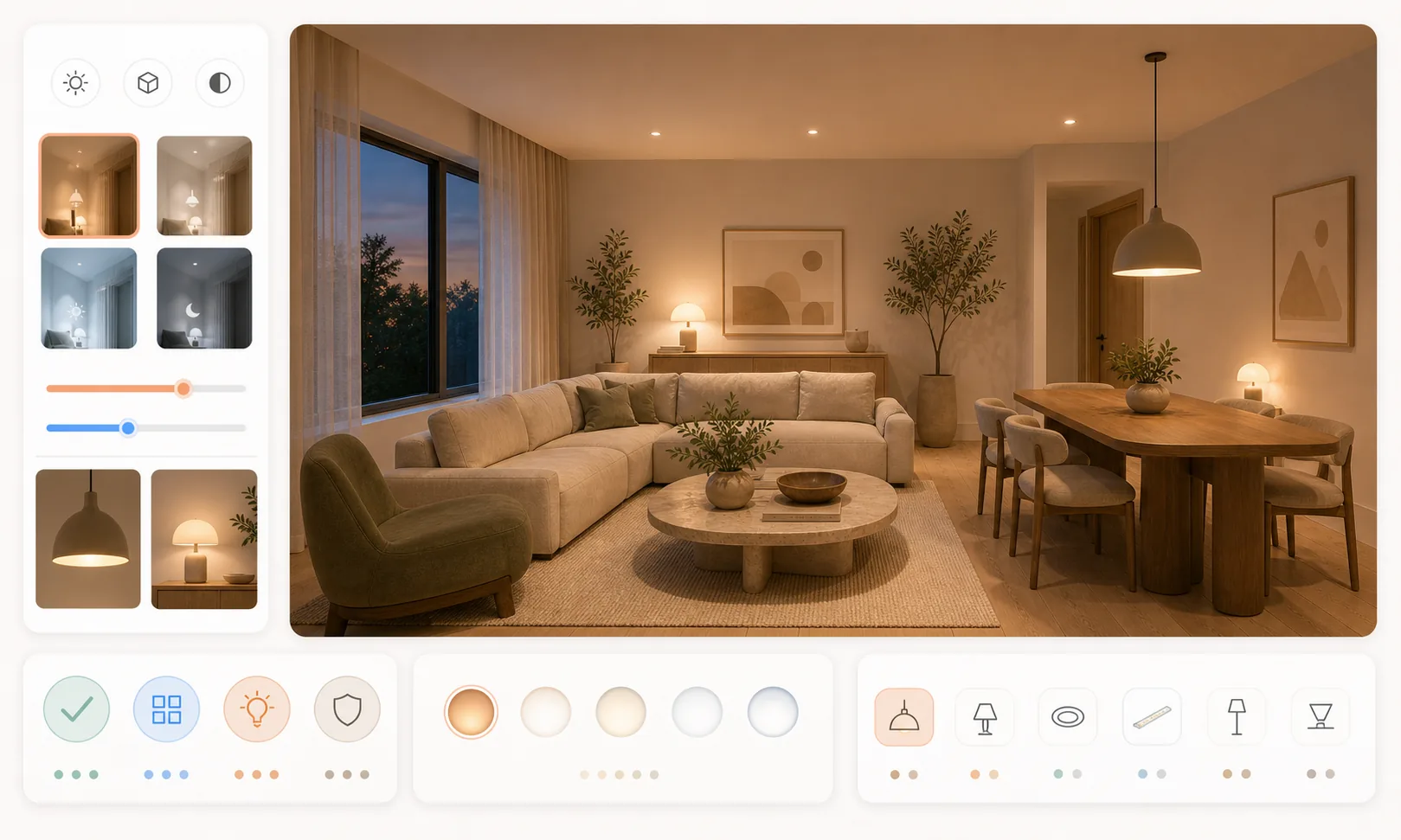
Give the lighting conversation a visual reference.
Select an image to explore the interface.
This preview displays a fixed sample. It does not process your image or run an agent.
This reference illustrates the task. Selecting your own image changes the preview input, not the sample result.
Ready when you are.
The questions that decide whether this fits the way you already work.
A visual or room you have already set, plus the atmosphere you want to show — soft daylight, warm evening, cool and calm, low and dramatic. A reference image works in place of words. The more precise the direction, the more useful the comparison.
No. It explores an atmosphere, not a lighting calculation. Fixtures, illumination levels, colour temperature and electrical design need a lighting designer and the product data.
A photo edit adjusts exposure and colour across the image. This is a workflow with four specialist roles that reads the scene, applies a described atmosphere, and returns it for your check of unintended changes. The illustrations explain the intended workflow, not verified staffing.
Reviewed by Son Dang, Founder. Published . Updated .
Have a room scene and a lighting mood in mind? Request a Lighting and Mood demo to explore how to discuss that atmosphere with your client.
Demo enquiries open your email app.