

Picture the wider effect
- Without the team
- A small sample shows the paint up close without showing the whole room.
- With the team
- Use a wall-colour visual to discuss the overall direction alongside the sample.
Explore a wall-colour direction from a room image and paint reference with this AI workflow, so you and your client can discuss the overall effect.
The short answer, before the workflow detail.
Paint explores a wall-colour direction in a photo of your customer’s room, so you can discuss the overall effect together. A professional reviews each visual. It is good enough to choose between options, not accurate enough to approve a finish, match a colour, or build from.
This illustrated AI workflow explores a wall-colour direction using the room photo and paint reference. The images illustrate the approach; they are not documented Studio results.
Step 01
Start with a photo of the customer's room and your paint colour and finish — matte, eggshell, satin, or gloss. Add which walls to paint, or an accent-wall direction, if you have one.
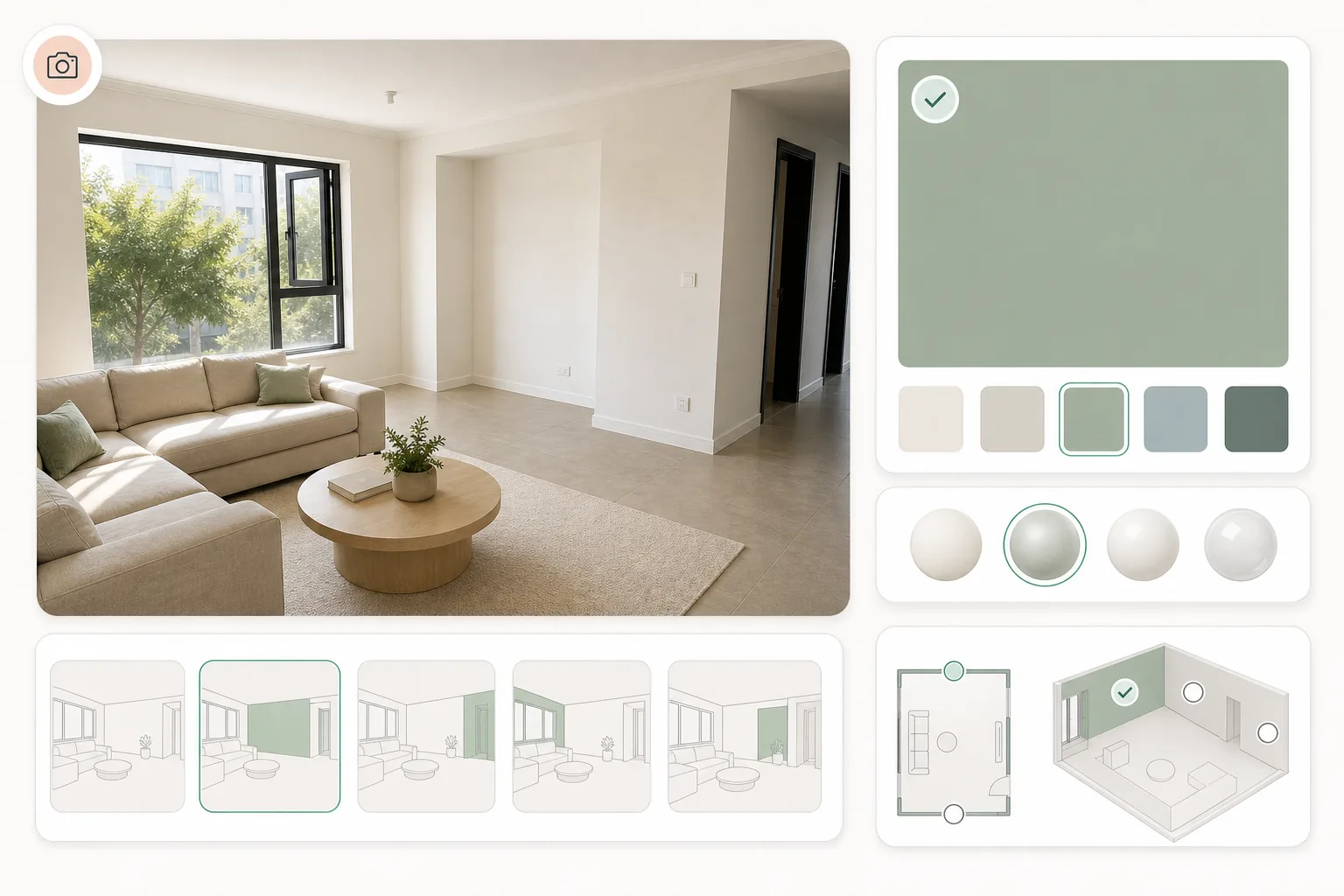
Step 02
Identify the walls and describe the colour and finish you want to explore.
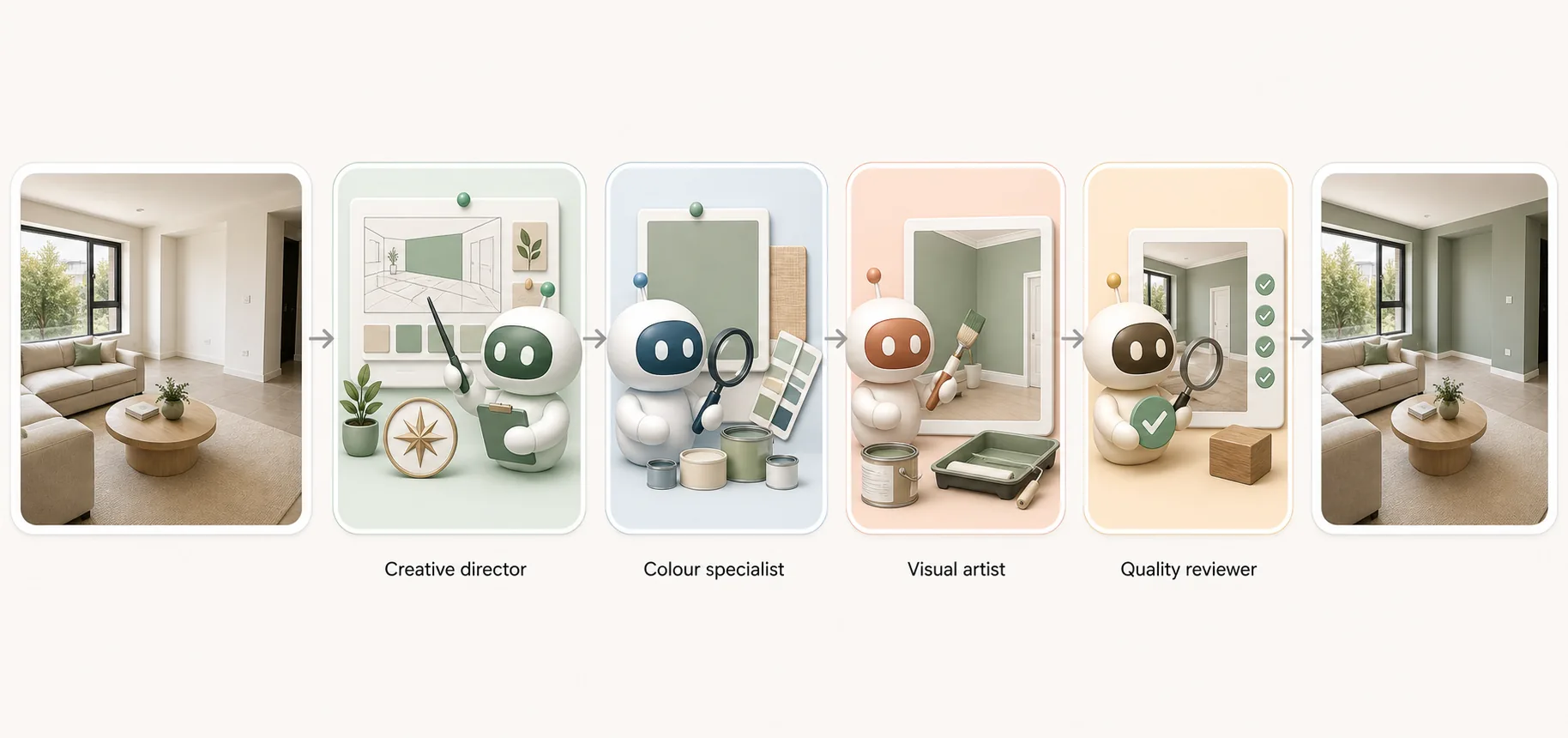
Step 03
Compare the room effect with the original photo.
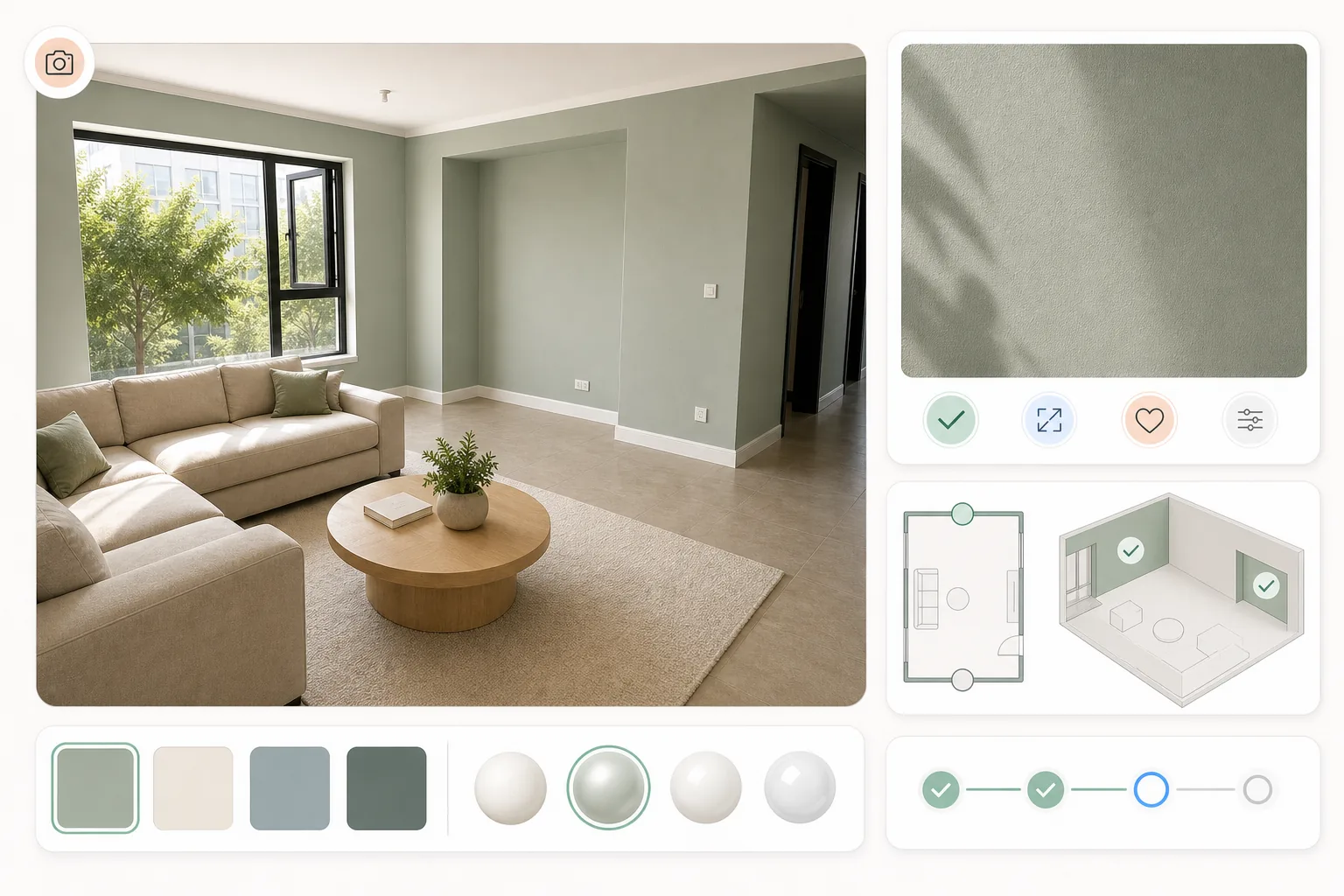
Help the customer choose which colour directions to test.
Select an image to explore the interface.
This preview displays a fixed sample. It does not process your image or run an agent.
This reference illustrates the task. Selecting your own image changes the preview input, not the sample result.
Ready when you are.
The questions that decide whether this fits the way you already work.
A photo of the customer’s room and your paint colour and finish — matte, eggshell, satin or gloss. Add which walls to paint, or an accent-wall direction, if you have one. Naming the finish keeps the visual closer to the product you sell.
No. Screen colour shifts with the display, the room photo and the light in it. Check the colour and finish with physical samples in the actual room, at the times of day that matter. Use the visual to narrow the direction before the samples go up.
Most paint apps fill a masked wall with flat colour. This is a workflow with four specialist roles that reads the room’s light and surfaces, applies the colour in that context, then returns it for your check. The illustrations explain the intended workflow, not verified staffing.
Reviewed by Son Dang, Founder. Published . Updated .
Have a room photo and a colour direction to explore? Request a Paint demo to see how a room visual could support the conversation.
Demo enquiries open your email app.