

Picture a larger surface
- Without the team
- A small sample does not show the overall impression of stone across an island.
- With the team
- Use the room visual to discuss the broad pattern and contrast alongside the reference.
Explore a stone direction for an island, worktop or vanity using an interior image and surface reference, so you can discuss the room effect with your client.
Explore the quartz surface workflowExplore the sample preview
The short answer, before the workflow detail.
Quartz Surface explores a stone direction for an island, worktop or vanity beside the surrounding room, so you can discuss it with a client. A professional reviews each visual. It is good enough to choose between options, not accurate enough to approve a finish, match a colour, or build from.
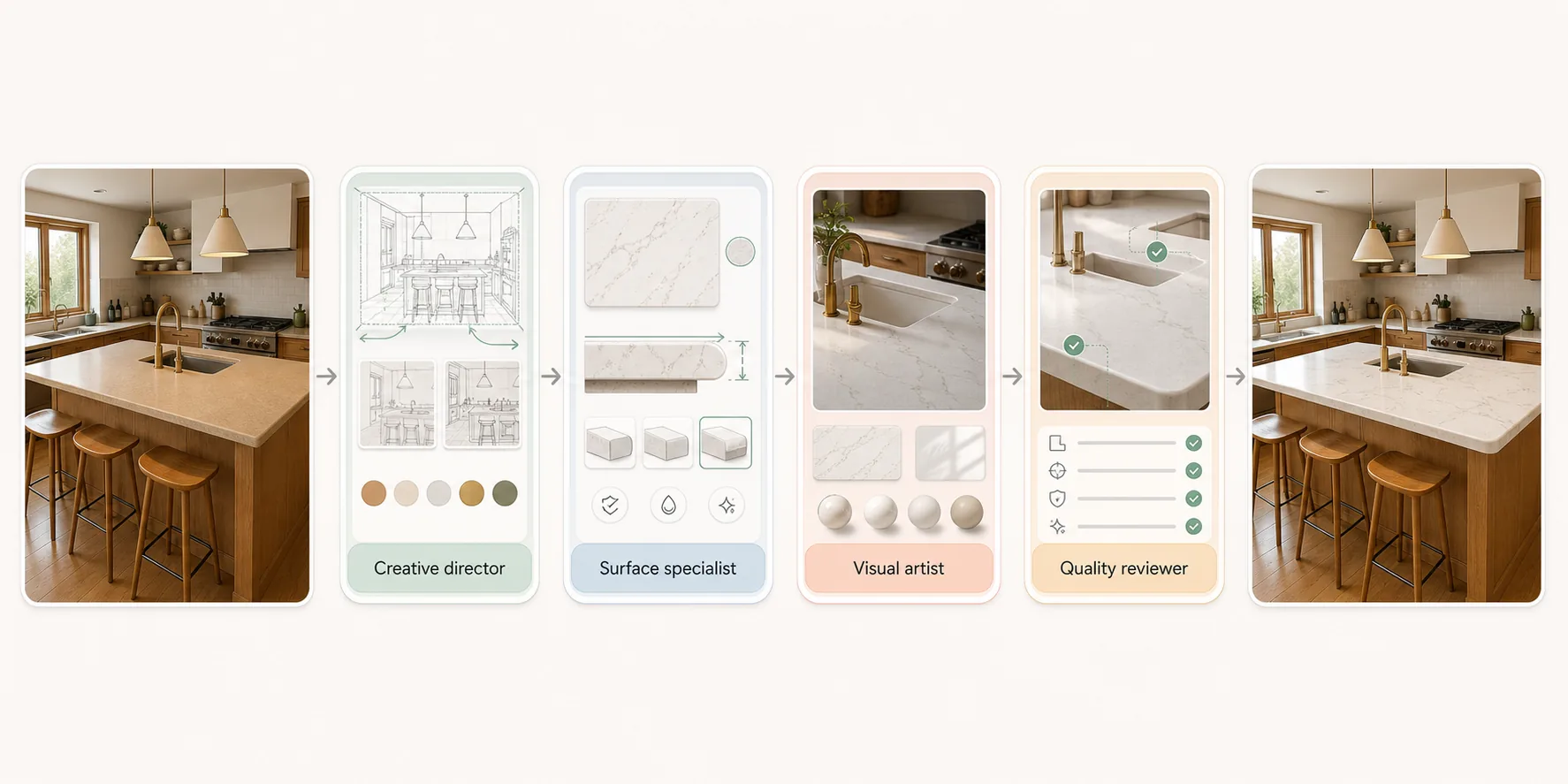
This illustrated AI workflow explores a stone-surface direction using the room photo and quartz reference. The images illustrate the approach; they are not documented Studio results.
Step 01
Start with a photo of the customer's kitchen or bath and your quartz reference and finish. Add the target surface — island, counter, vanity — and an edge profile if you have one.
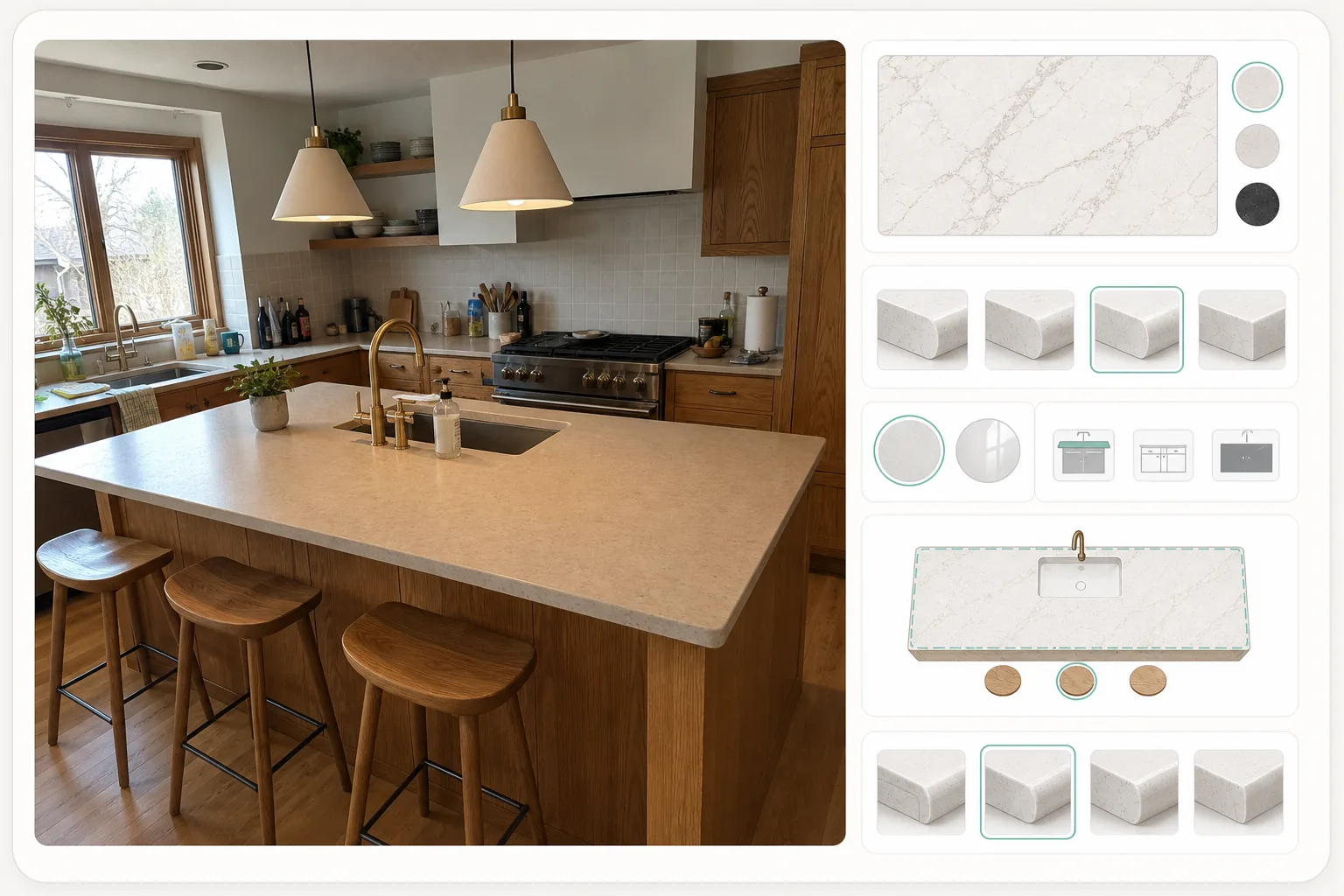
Step 02
Identify the target surface and the product reference you want to discuss.
Step 03
Review the surface option beside the room photo and stone reference. Veining, seams and edges in the visual are interpretations.
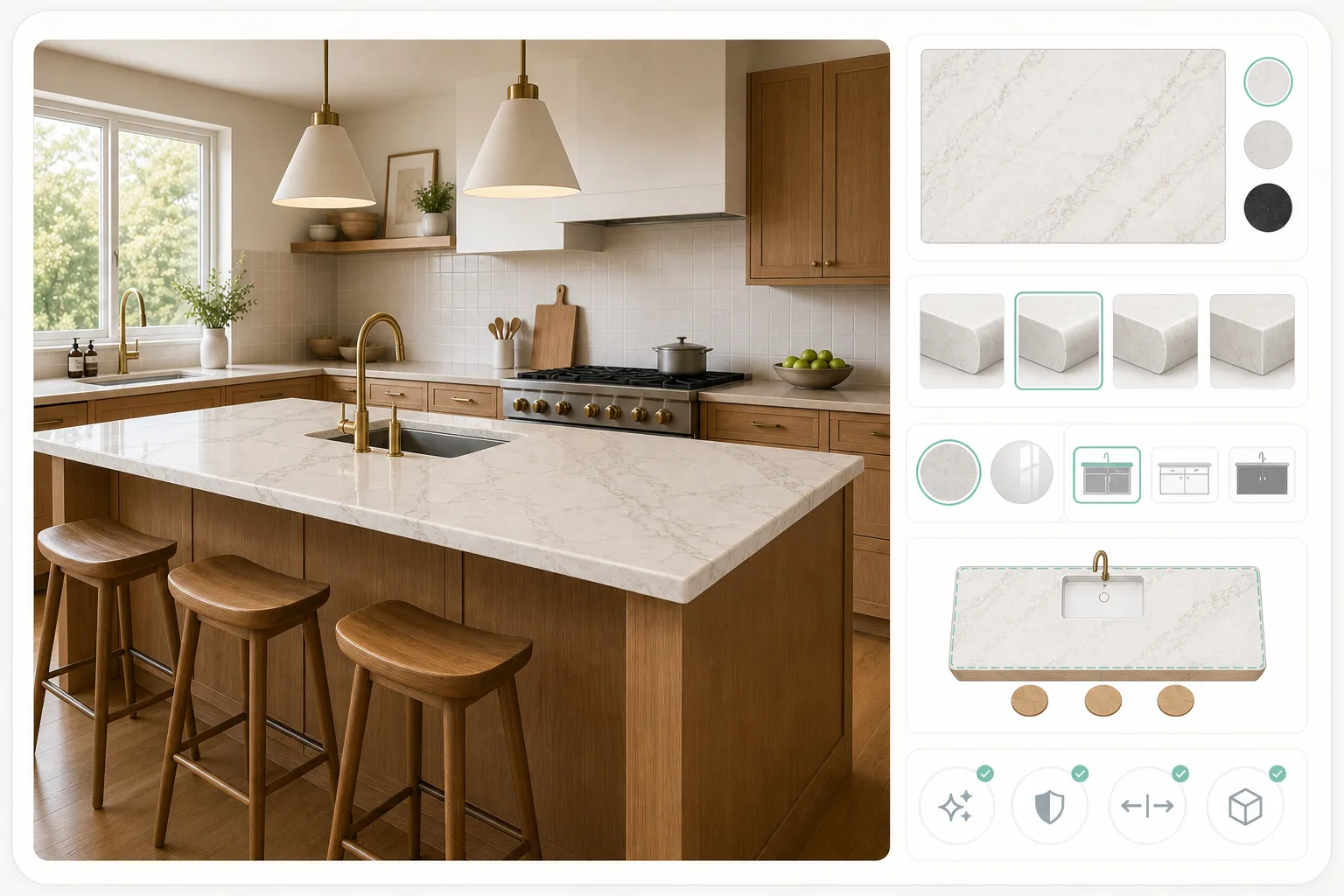
Connect the stone reference to the room discussion.
Select an image to explore the interface.
This preview displays a fixed sample. It does not process your image or run an agent.
This reference illustrates the task. Selecting your own image changes the preview input, not the sample result.
Ready when you are.
The questions that decide whether this fits the way you already work.
A photo of the customer’s kitchen or bathroom and your quartz reference and finish. Add the target surface — island, counter, vanity — and an edge profile if you have one. Naming the surface keeps the visual on the piece you are quoting.
No. Veining runs differently on every slab, so confirm the actual slab, its finish, the seam placement and the fabrication details with your supplier. The visual carries no measured accuracy and does not establish a product run. Use it to agree the direction first.
A visualiser drops a stone image onto a shape. This is a workflow with four specialist roles that reads the surface and the room around it, develops the stone in that context, then returns it for your check. The illustrations explain the intended workflow, not verified staffing.
Reviewed by Son Dang, Founder. Published . Updated .
Have a kitchen or bathroom photo and a stone reference? Request a Quartz Surface demo to explore the direction.
Demo enquiries open your email app.