

Show an early direction
- Without the team
- A sketch may need explanation before the client can picture the whole room.
- With the team
- Use a room concept to discuss the overall direction alongside the sketch.
Develop a room visual from a rough scene, sketch or unfinished render with this AI workflow, so you can discuss an early interior direction with your client.
The short answer, before the workflow detail.
Scene Design develops a room concept from a rough scene, sketch or unfinished render and the intent you brief, so you can discuss an early interior direction with a client. Physical and technical approval need separate checks.
This illustrated AI workflow develops an early scene around your brief, from the room’s starting features to its presentation. The images illustrate the approach; they are not documented Studio results.
Step 01
Start with a sketch, wireframe, unfinished render, or room image, plus the intent you want the scene to hold.
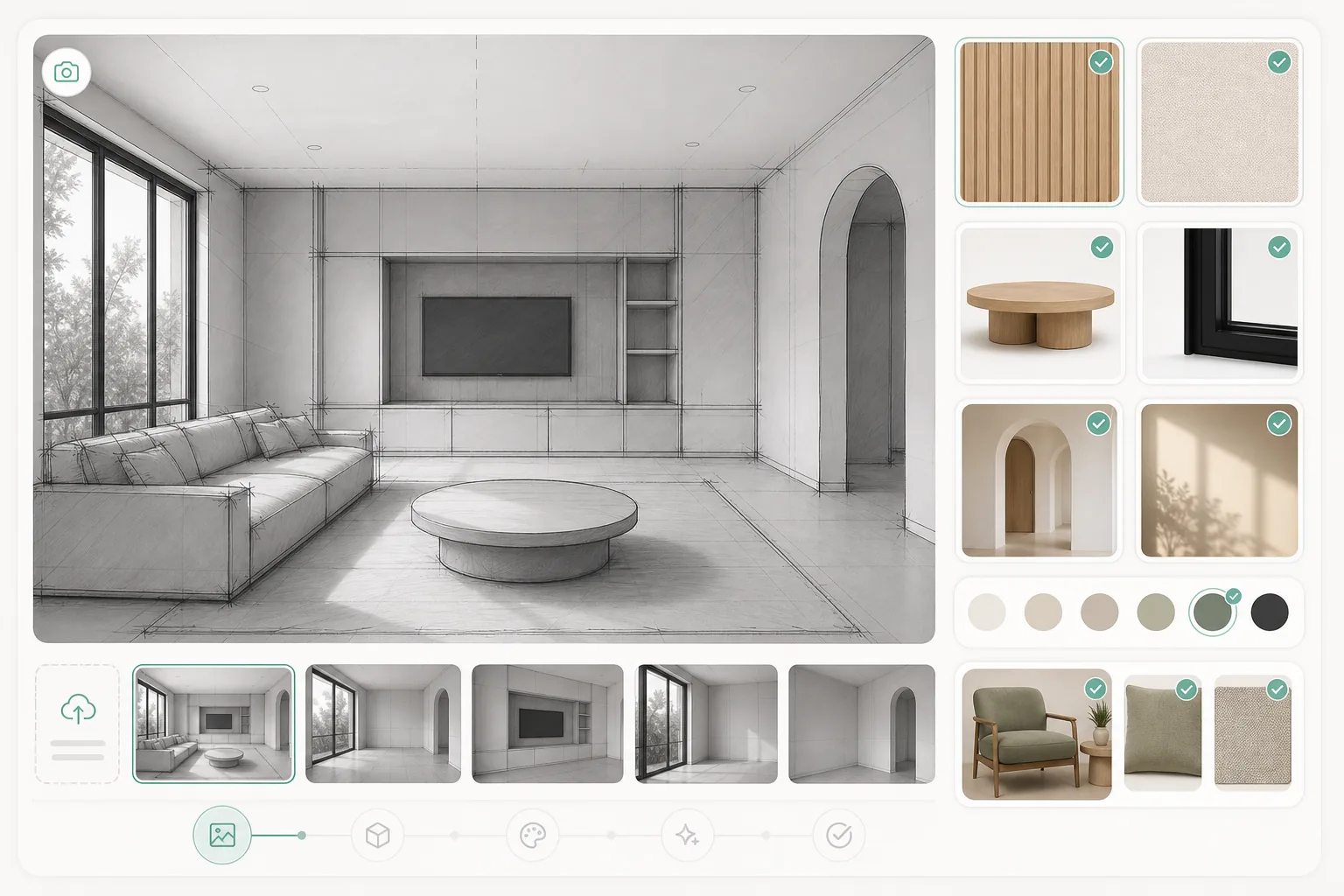
Step 02
Set out what matters in the scene: the room, furniture, materials and mood. The workflow brings these elements into a visual direction for you to compare with the source.
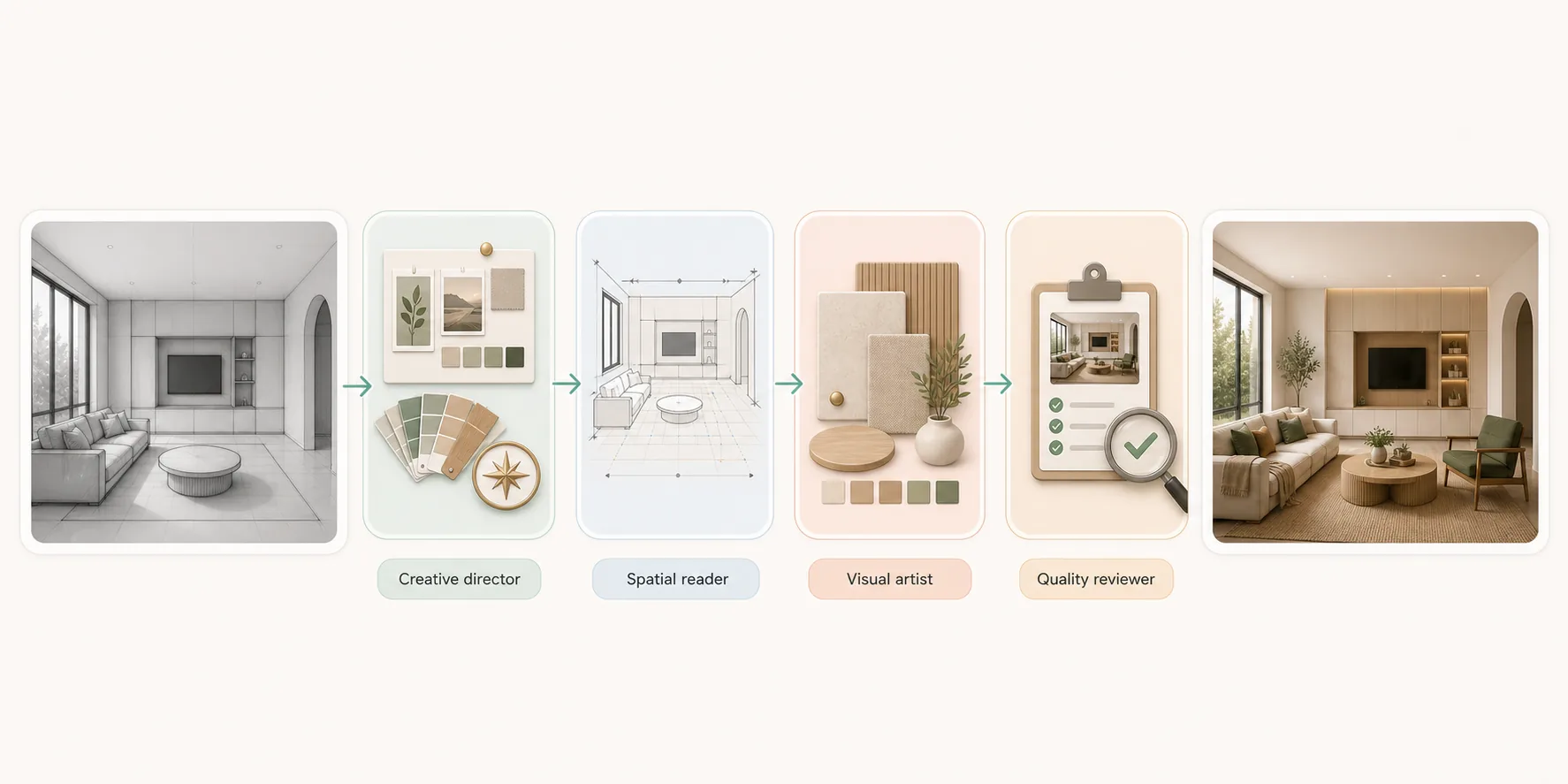
Step 03
Review the room concept beside your source. Check added architecture, objects and styling before choosing what to share. Good enough to show a client, decide a direction, and choose between options; not accurate enough to approve a finish, match a colour, or build from.
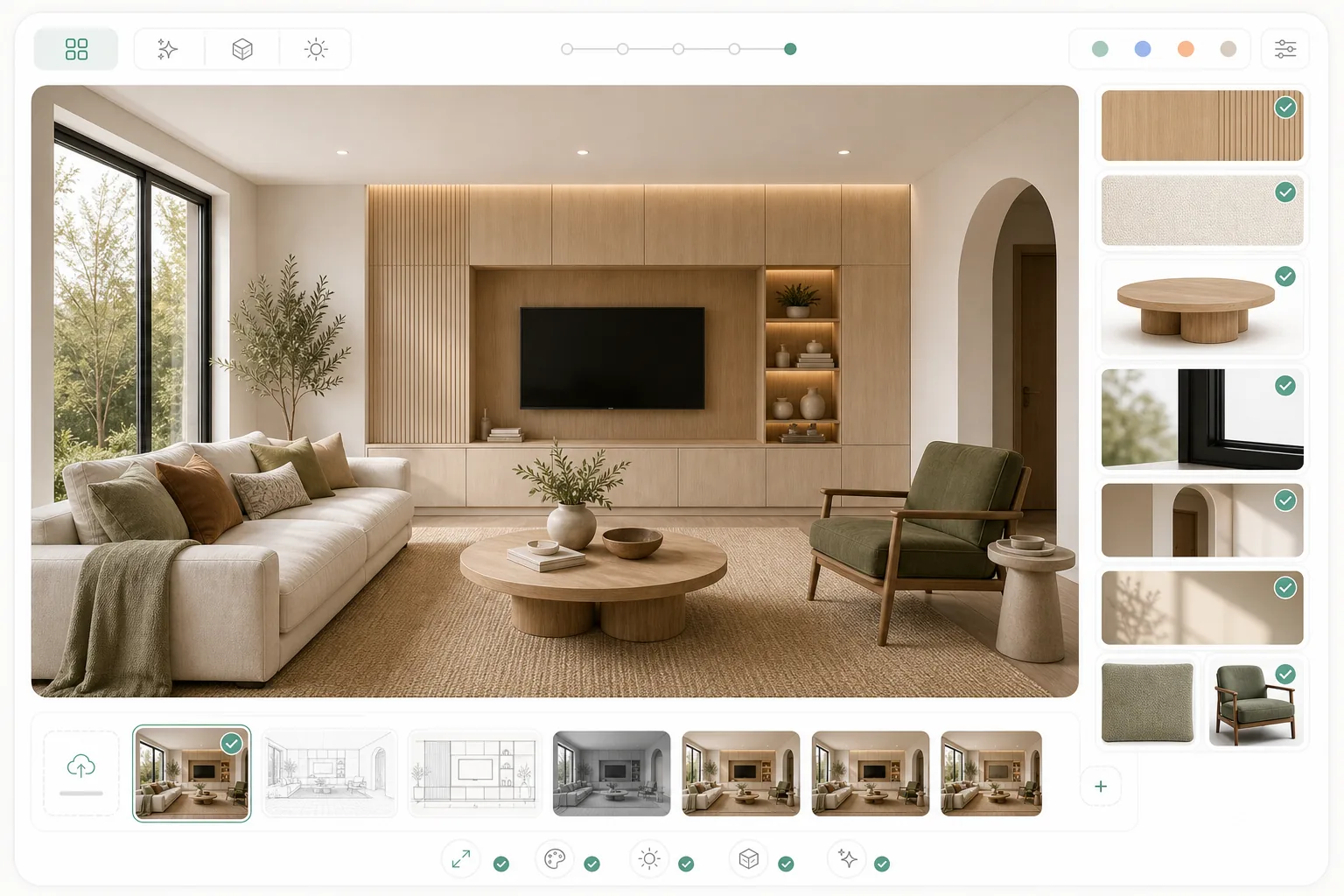
Give the client something concrete to discuss while the design is still taking shape.
Select an image to explore the interface.
This preview displays a fixed sample. It does not process your image or run an agent.
This reference illustrates the task. Selecting your own image changes the preview input, not the sample result.
Ready when you are.
The questions that decide whether this fits the way you already work.
A sketch, wireframe, unfinished render or room image, plus the intent you want the scene to hold. The brief matters as much as the image: it decides what the team develops and what it leaves alone. Supported inputs need confirmation before a demo.
No. The concept supports an early conversation. Anything the team added — architecture, objects, styling — is an interpretation of your brief, not a specification. Use technical documents for dimensions and physical samples for colour and finish.
A concept render draws what you have already decided. This is a workflow with four specialist roles that proposes a direction from an incomplete source, marks what it interpreted, and returns it for your review. The illustrations explain the intended workflow, not verified staffing.
Reviewed by Son Dang, Founder. Published . Updated .
Have a sketch or unfinished scene you want to show a client? Request a Scene Design demo to explore how it could fit your project.
Demo enquiries open your email app.